MySupplements: Safety Check is on the App Store today
Our first release is live, and the most useful thing we can tell you about it is exactly where its answers stop.
MySupplements: Safety Check is on the App Store today. It is free, it runs on iPhone with iOS 26 or later, and it is available in the United States and Canada only. This is our first release, and the first thing we have posted here. So: what shipped, what is free, and what the app will not tell you.
Why we built it
"Can I take this with my meds?" is a question pharmacists hear all the time, and the honest answer usually starts with "let me look that up." Our founder is a pharmacist. The looking up is the job. The trouble is where it happens: on the pharmacy side of the counter, in tools built for the counter and not for the person standing in front of it, and that person walks away with a sentence instead of a source. We built the place to look it up, and we put the source next to the answer.
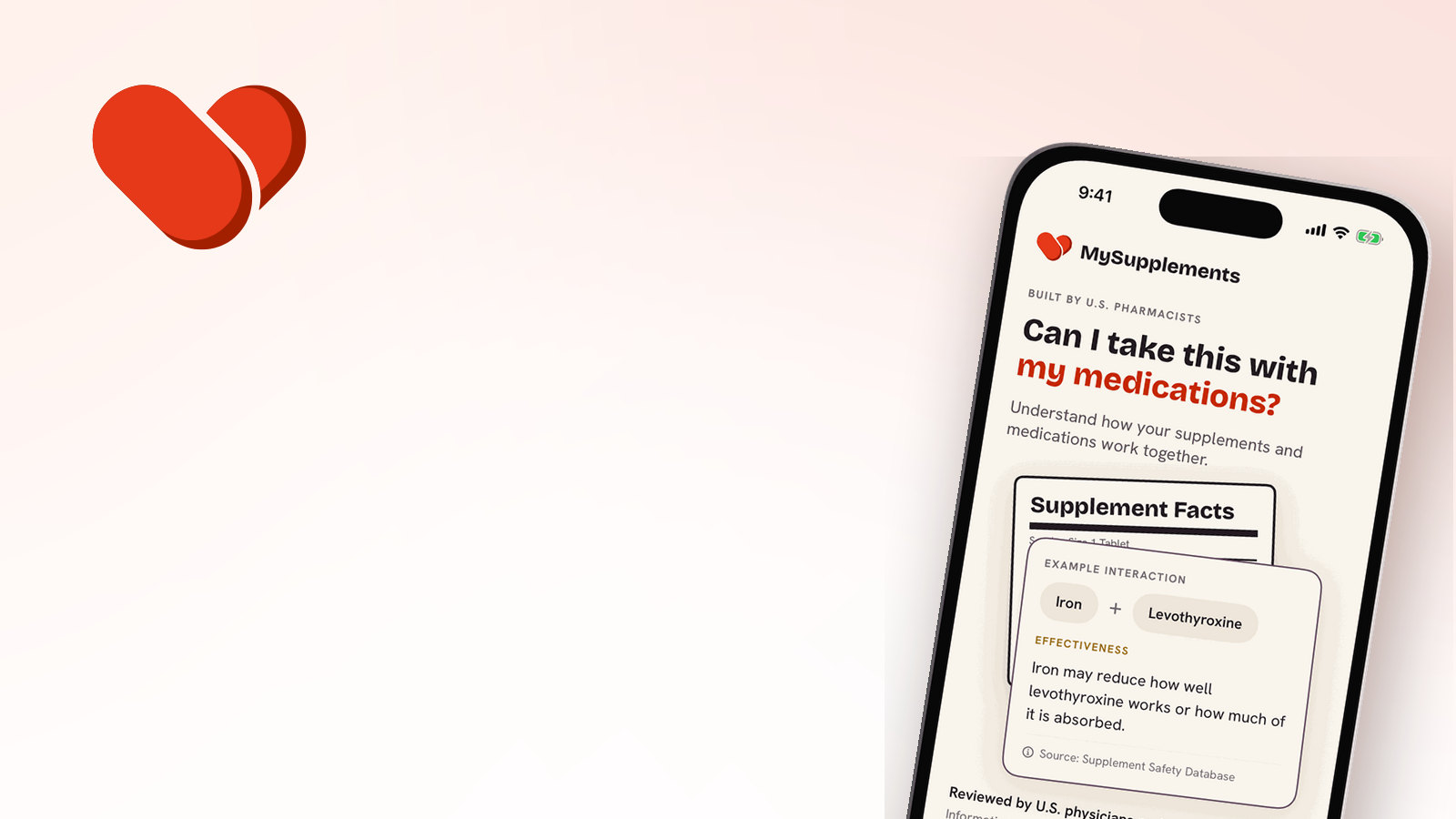
Nobody has to be careless for this to matter. A prescription can be correct and a supplement can be perfectly legal, and iron may still reduce how well levothyroxine works or how much of it is absorbed. Small thing. Easy to miss. The problem lives in the overlap, which is the part nobody owns. Checking a pair like that is part of Full Access, and we would rather say so here than after you download.
What is free
The app identifies your product from a catalog of about 60,000 real supplements, and finding it is the first thing it does.
From there you can search government safety records (FDA, FTC, state) for any brand or any product. FDA recalls and FDA warning letters are two of the record types. Every flag names the agency the record came from, the date, and the record number when the filing has one, so you can read the original filing yourself instead of taking our word for it. No mystery scores. Once a product is on your shelf, the shelf is re-checked against those records, so a filing that lands after you bought the bottle still gets checked. You do not have to remember to look.
Also free: pharmacist-designed schedules and reminders, dose logging from the Lock Screen, and a personalized report that sets the standard FDA Daily Values next to what someone of your age and sex is estimated to need.
Finding your exact bottle, fast
The quickest way to know you are looking at your product is the barcode. Scan it and the match is made on the product's own identity rather than on its name, which is why it is the one we point you to first. It takes about a second.
Scan the barcode and the match is made on identity, not on a name.
Not every bottle cooperates. Some barcodes are worn off, some are covered by a sticker, and some products do not carry one you can scan at all. When that happens, photograph the label instead and let the app read it, or search by product name or brand.
Those routes match on the name, so the app says so on the result. A name match means a record exists with a name close enough to yours that you should read it, and it shows you where to go and read it. Two bottles can carry a similar name and come from entirely different companies. It does not tell you that your bottle was recalled. We will not write that sentence, and neither will the app.
An empty result is not an all-clear either. It means no name matches were found. That is a smaller claim than "this is safe," and it is a truer one, so it is the one we make. A filing that was never made cannot be searched.
The shelf re-check works on those same records, so it carries the same limits. It is not a guarantee, and we are not going to dress it up as one.
Who is writing this
MySupplements LLC is a small company in New York City. The content is built by U.S. pharmacists and reviewed by U.S. physicians and nurses. This is our first release. We have no awards, no user numbers to quote, and zero ratings on the App Store, because it went live today. We would rather say that plainly than pad it.
This is information, not medical advice. We do not diagnose, treat or prescribe. We are not trying to replace the conversation with your own doctor or pharmacist. We are trying to let it start from a better place: a record with its source attached instead of a screenshot.
Where it works, and what is next
iPhone, iOS 26 or later, in the United States and Canada only. Android is coming soon.
Three things have our attention after that. We are adding to the product catalog continuously, because the shelf in a real kitchen changes faster than any database does, and a missing product is the most common reason a scan comes back with nothing. We are building out short courses built around what you actually take, so a bottle on your shelf comes with something worth reading next to it. And we are identifying and verifying more interactions, working from the current scientific literature, under the same rule we apply to everything else: it names its source before it ships, or it does not ship.
None of that comes with a date. We would rather tell you what shipped than what is planned, and this is where we will say so each time.
Uncertainty is the normal condition of taking supplements alongside medication, and we cannot remove it. Clarity, in this line of work, is not a promise that everything is fine. It is knowing what the records say, where they came from, and what they do not cover. That is the thing we wanted to exist, and as of today it is free on the App Store.
If something looks wrong, tell us. A bad product match, or a record that does not read the way the filing reads, is exactly the kind of bug we want to hear about first.
MySupplements shows what public records say and where they came from. It is information, not medical advice, and it does not diagnose, treat or prescribe. A result with no name matches is not an all-clear. Talk to your own doctor or pharmacist about your situation.